Thank you for installing...
It is easy to stay well informed and up-to-date on the latest news, all from within a single extension.

Personalise your content
Discover how to use personalization in extension for better experience and customised news feed.
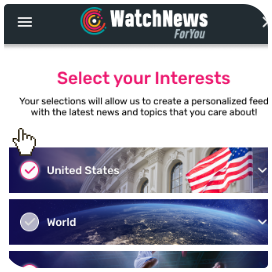
Pick Your Interests!
During onboarding, select desired news categories to read. By default, all categories are selected.
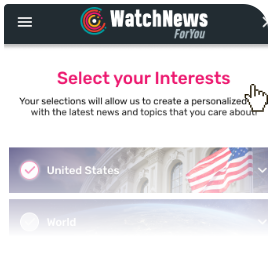
Select Desired Sources!
Even if you selected some category, you can decide which sources will be presented. Just click on the arrow and mark your choices.
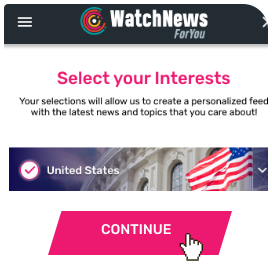
Confirm your choices
Once all is ready, simply click on the Continue button, and you are ready for enhanced news following experience.
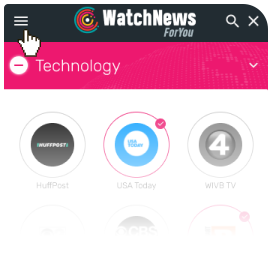
Additional Tweaks
If you change your mind, you can change your interests in menu “Interests”, and sources can be reselected on each category page.
How to manage extension?
Learn how to use extension with few simple tips below...
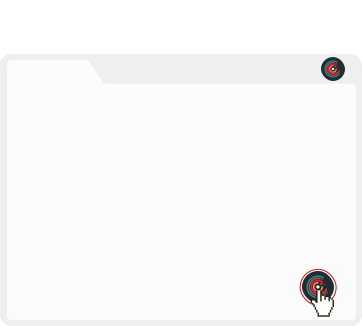
Activate extension window
Simply click on the floating action button on any website you are visiting and open your extension.
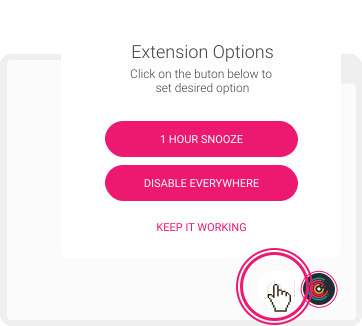
How to disable action button?
To hide extension button from page, hover it and click power off button to get more options.
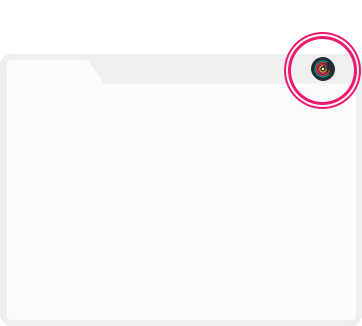
How to enable action button?
Find extension icon in the toolbar and click. And then just activate Toggle application state.
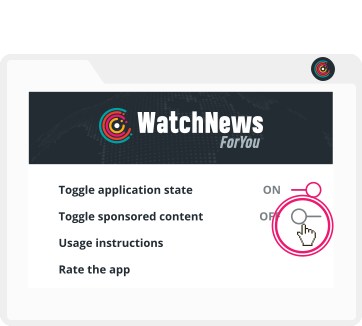
How to disable sponsored content?
To turn off sponsored content, simply set ’Toggle sponsored content’ to Off.